dg33 APK: download to login, all in one place
The file downloads from the site's own server, so you don't need an outside app store. This version of the dg33 app brings 2700 games, cricket and football markets and slot and fishing tables together. It's 32 MB and runs on any phone with Android 6.0 or later. Tap the button and the download starts, then you finish the install in four steps.
Free · 32 MB · Version 3.2.7 · Android 6.0+
What to know about the file before you download
Tap the download link in any browser and dg33.apk lands in your phone's Download folder. Before you start the install, check that the file name and size match — the installer won't accept a half-downloaded file. The table below puts every file detail in one place.
| Version | 3.2.7 |
|---|---|
| File name and size | dg33.apk · 32 MB |
| Minimum Android | 6.0 |
| Last updated | 19 November 2026 |
| Cost | Free |
| Language | Bangla, English |
dg33.apk32 MB · Version 3.2.7
How to add the icon to your iOS home screen
APK files don't run on an iPhone or iPad, so with iOS I'd suggest playing in the browser instead. Open the site in Safari and add a home screen shortcut in three steps — it looks like an app and you won't have to type the address every time.
- Open the site in Safari and tap the share icon at the bottom.
- Choose “Add to Home Screen” from the menu — the name is already filled in at the top.
- Tap Add. The icon appears on your home screen; tap it and the mobile login page opens.
Everyday tasks that get easier with the app on your phone
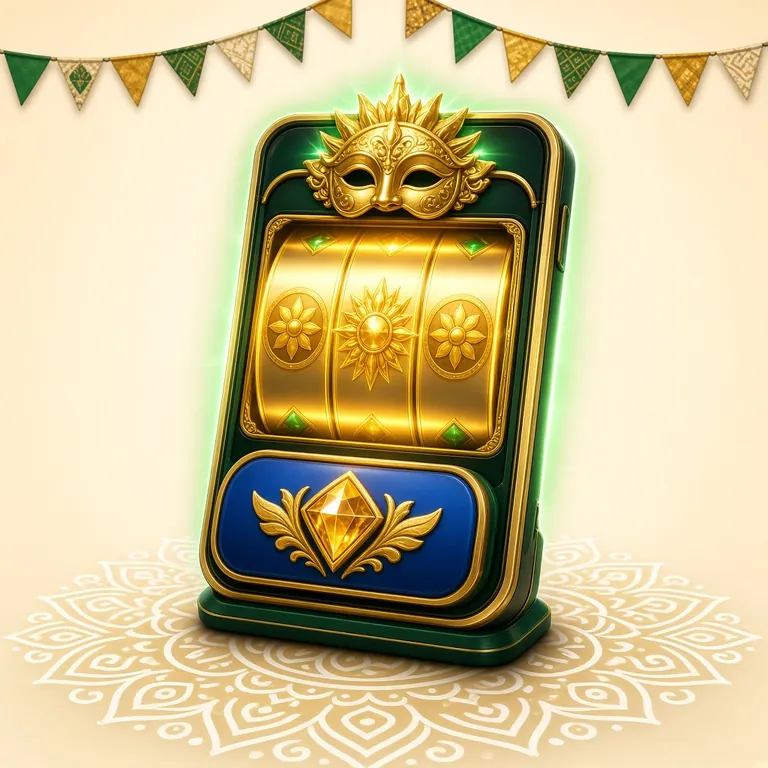
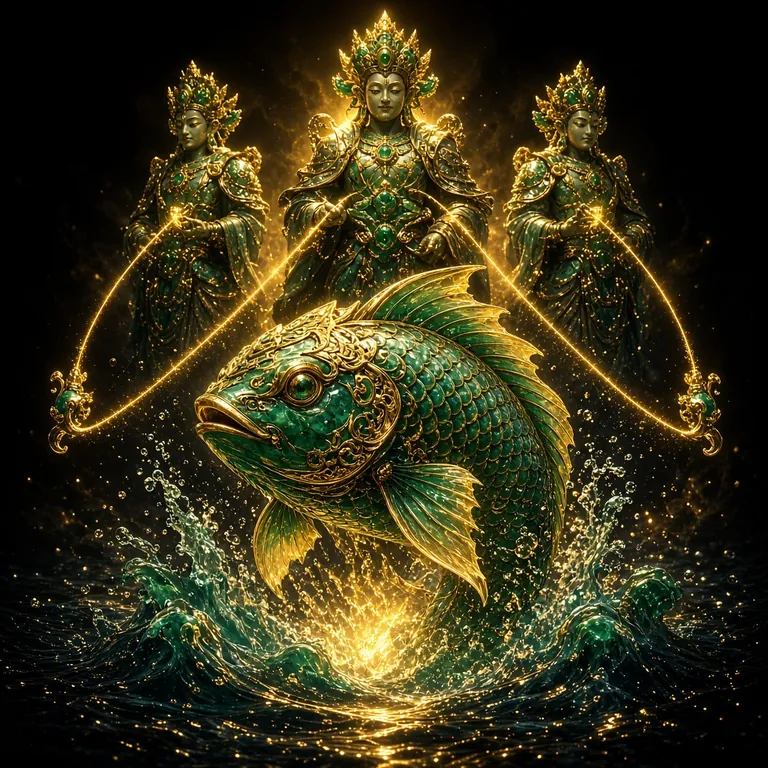
Both screens above are taken from the app lobby — one shows slot reels, the other a fishing table. Install it and open it and these two tabs sit right on the first screen, while the casino section adds live tables as well.
- One tap to the lobby. The game you played last opens first, so you never have to dig through a 2700-game list.
- Withdraw from the app itself. After you send a request, the money usually reaches your bKash or Nagad in 18 minutes.
- Match and offer alerts. You get a notification on your phone before a cricket match starts or when a new offer drops.
- Same account, same balance. Play in the browser or in the app — your wallet and history stay in one place.
Scan the code and the download link opens too
dg33 APK install: up and running in four steps
Since this is your first install from a browser, your phone will ask for one extra permission. That is standard Android behaviour, not a sign of a problem. Follow the steps below in order and you are done in two minutes.
-
১
Allow unknown sources
Go to Settings → Security → Install unknown apps, then allow the browser you are downloading with. From Android 8 onward, the switch has to be turned on separately for each app.
-
২
Download the file
Tap the download button on this page. The 32 MB file takes a few seconds to a minute depending on your network speed. Use Wi-Fi if you have it.
-
৩
Run the installer
Tap dg33.apk from the notification panel or a file manager, then press Install. If your phone shows a Play Protect warning, choose "Install anyway".
-
4
Open the app and log in
Press Open once the install finishes. If you already have an account, go to the login page; if you are new, register and claim the bonus on your first deposit.
-
৫
Same routine for the next update
When a new version drops, download the new APK and install it over the old one. Your account, balance and play history stay intact.
Which permissions the app asks for, and why
Android shows a few permission prompts during install. What each one is for, and which you can skip, is laid out below.
Storage
Needed to read the install file and save screenshots. Once the install is done, you can turn it off from Settings → Apps → dg33 → Permissions.
Notifications
Used to tell you about bonuses, match start times and withdrawal status. Switch it off if it gets annoying — play carries on without any problem.
Internet
Game loading, balance and payments all come from the server. The app will not open without this permission, so it has to stay on.
Calls, contacts, SMS
Our file does not ask for these three permissions. If an APK from any other source requests them, do not install it.
Why you should download only from this site
- There is one download link: the button on this page. "Mod" files floating around Telegram or Facebook groups may carry extra code.
- Match the name and size: dg33.apk, 32 MB, version 3.2.7. If the name is different, delete the file.
- Nobody should ask for your OTP, password or pin — not even our support team.
- Once the install is complete, switch the unknown sources permission back off in Settings.
What to do if the install gets stuck
Five problems come up most often. The cause and fix for each are broken down below — just tap the one you are facing.
"App not installed" or a blocked-install message
Reason: The browser wasn't allowed to install apps from unknown sources.
Fix: Go to Settings → Security → Install unknown apps and switch on the toggle for the browser you're using. Then tap the file again from your notifications.
Seeing a "Parse Package" or corrupted file error
Reason: The download stopped partway, or your phone is on an older Android version.
Fix: Delete the file from your Downloads folder, download it again, and check that the size shows 32 MB. Below Android 6.0 the app won't install — in that case play from the browser instead.
Install stops with a "not enough space" message
Reason: Your phone's internal storage is almost full.
Fix: Keep at least two to three times the file size free. Delete unwatched videos or old photos, then tap Install again. An APK kept on an SD card won't work on many phones.
It installs but closes the moment I open it
Reason: Cache or data from an older version has piled up.
Fix: Restart the phone once, then go to Settings → Apps → dg33 → Storage and tap Clear Cache. If that doesn't help, uninstall the app and do a fresh install.
The download never starts at all
Reason: Network blocking, a DNS problem, or your browser's data saver.
Fix: Switch from Wi-Fi to mobile data, turn off data saver and try another browser. Still stuck? Message 24/7 live chat and the team will check the link for you.
Will it run on low memory and a weak network?
The app runs on older 2 GB RAM phones and even on 3G, but a few habits make loading much faster and keep your battery going longer.

Be patient on the first load
On 2G or weak 3G the first screen takes a little longer, because game images and sound files download at that point. Once the lobby has loaded, the smaller games open almost instantly, so don't keep closing the app.
When the phone heats up the app lowers the graphics on its own. Forcing more game tabs open at that point only makes the phone slower.
Don't run too many games at once
Game tabs left in the background fill up RAM. Close the old tab before you switch to another game.
Keep data saver on
Switch on Data Saver in your browser and lower the graphics quality in the game settings. Fewer images downloaded means less data used.
Update over Wi-Fi
Don't pull the 32 MB update over mobile data — finish it on Wi-Fi, especially when your package data is low.
Easy ways to save battery
Turning off location, Bluetooth and auto-brightness keeps the phone cooler and holds charge longer even in long sessions.
App or browser: what each one gives you
Both run on the same account, so once your balance is topped up you can play through either one. The difference is only in convenience and habit.
| Topic | App (APK) | Browser |
|---|---|---|
| Install | One 32 MB download | Nothing to download |
| Opening speed | Tap the icon, lobby comes up fast | First load takes longer |
| Data use | Low, the file stays cached on your phone | The page downloads fresh each time |
| Notifications | Bonus and match alerts arrive | No |
| Updates | You install each new APK yourself | New version comes on its own |
| Phone space | Needs room for the file plus app data | Only cache builds up |
| Best for | People who play every day | People who drop in now and then |
If you log in daily the app is the handier choice — it opens faster, notifications come through, and a withdrawal request is finished in two taps. If you play once or twice a month, or your phone is short on space, you can stay in the browser.
Login is the same on both, so even if you change phones now and then you can sign in from the login page and get your balance back.
What you want to know about installing and updating
Is the dg33 APK file safe?
The file comes from our own servers, is 32 MB in size and version 3.2.7. Installing it does not put any extra apps on your phone. Still, before you download, check that the file name is dg33.apk. Avoid files with other names or "mod" versions—we are not responsible for those.
How do I update the installed app?
When a new version comes out, download the new APK from this page and install it over the old one. Don't delete the app—that keeps your account and balance intact. If your phone is short on space, you can clear out the old APK file from your file manager before updating.
How much free space do I need for the install?
The APK file is 32 MB, and after installing, the app plus cache takes somewhat more than that. So before you start, keep at least two to three times the file size free in storage. If space runs low, the installer stalls midway or throws a corrupted-file error.
Can I deposit and withdraw from the app itself?
Yes. Deposits via bKash, Nagad, Rocket and Upay usually land within 3 minutes. The minimum deposit is ৳450, the minimum withdrawal is ৳900, and money typically arrives in about 18 minutes. The step-by-step details are in our Deposit Guide.
What if I don't have an account yet?
Open the app and tap the register button, then create an account with your mobile number. The whole process is laid out step by step on the Register page. After you open an account, your first deposit gets a 240% bonus, up to ৳24,500.
Do I have to install again if I change phones?
Yes—you'll need to install the APK again on a new phone, since the file lives on the device itself. But your account is the same: just log in with your mobile number and password and you'll get your previous balance and play history back.
Download the file, then start playing in one tap
Once the dg33 APK is installed, the lobby, cricket markets and withdrawals are all in one app. The file is 32 MB and costs nothing.
Download APK